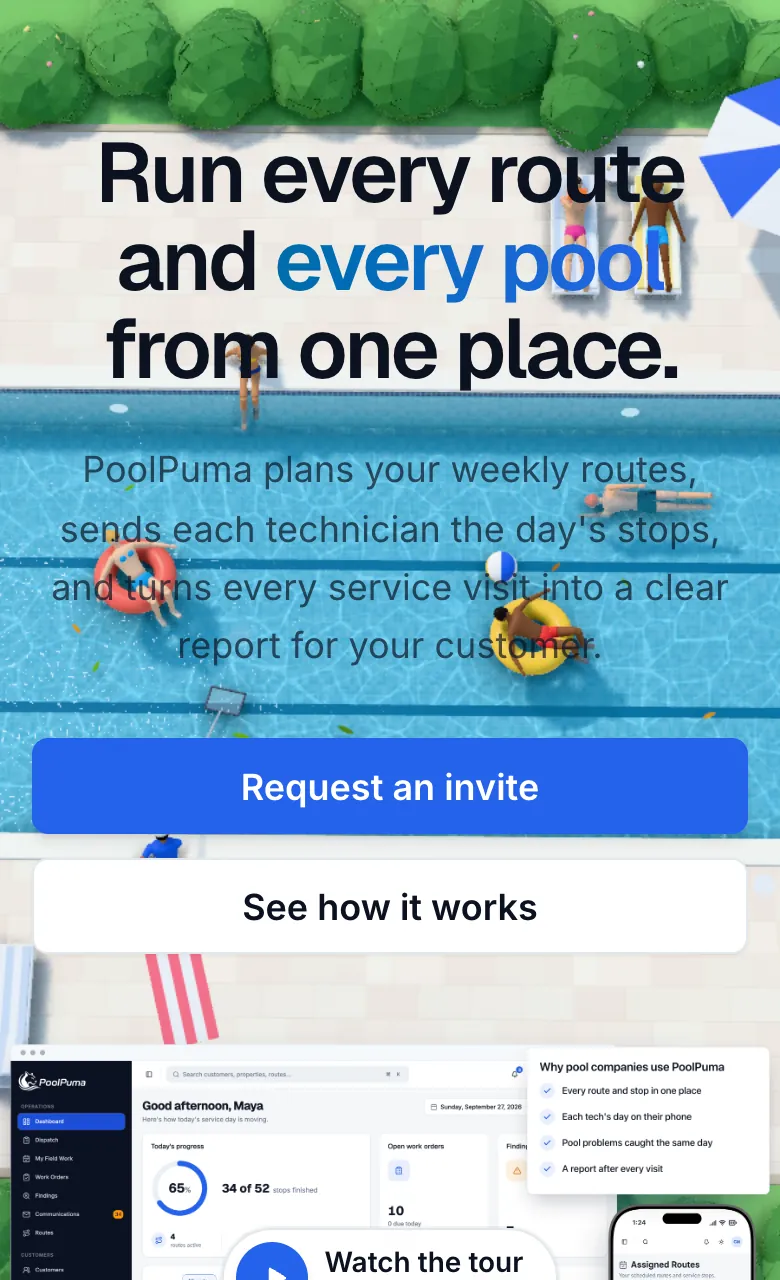
Run every route and every pool from one place.
PoolPuma plans your weekly routes, sends each technician the day's stops, and turns every service visit into a clear report for your customer.
Built for every role on your team
Running a small company where one person handles the office and the route? PoolPuma works that way too.
Owners
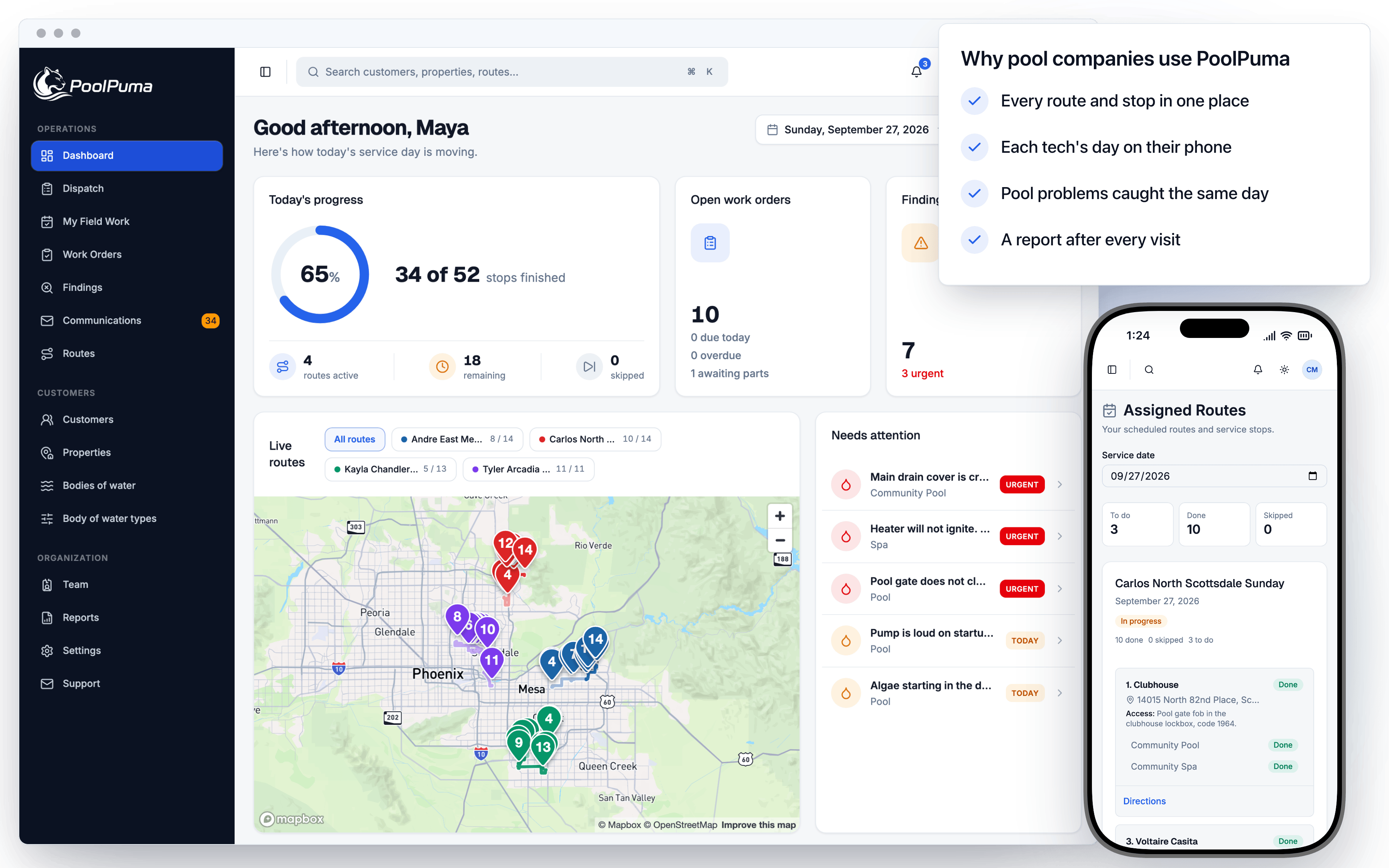
See the whole service day at a glance, from finished stops to the pools that need attention.
Office managers
Build routes, dispatch the day, schedule repairs, and review reports before customers see them.
Technicians
Open today's stops on your phone with gate codes, service notes, and one-tap directions.
How a service day flows
Four steps, one place. Every step feeds the next, so nothing gets retyped at the end of the day.
Weekly
Plan routes
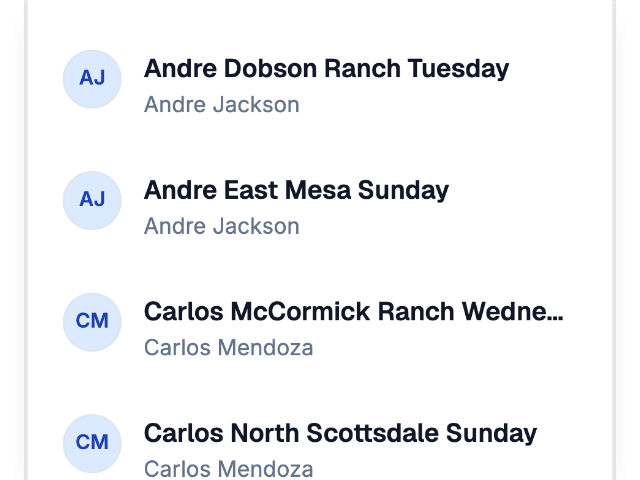
Set each technician's route sheet for every service day, with stops in the order they drive them.
Morning
Dispatch
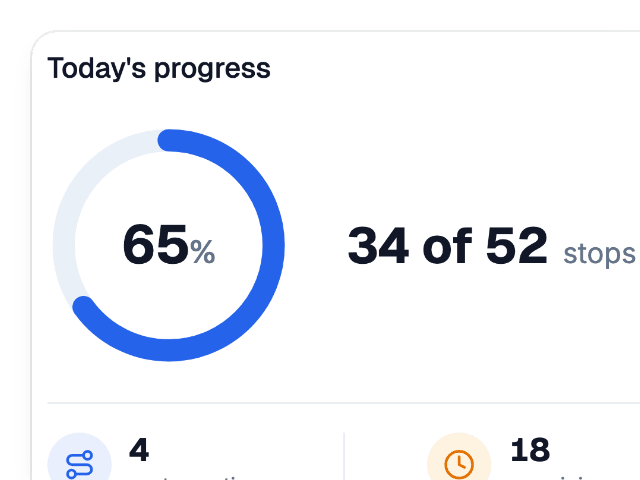
Create the day's route runs from your weekly routes and watch progress as stops get finished.
On the route
Service
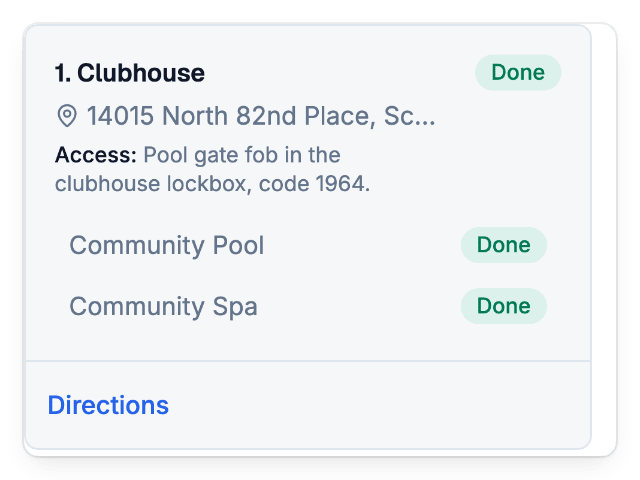
Technicians work each stop in order and mark pools and spas done as they go.
End of day
Report
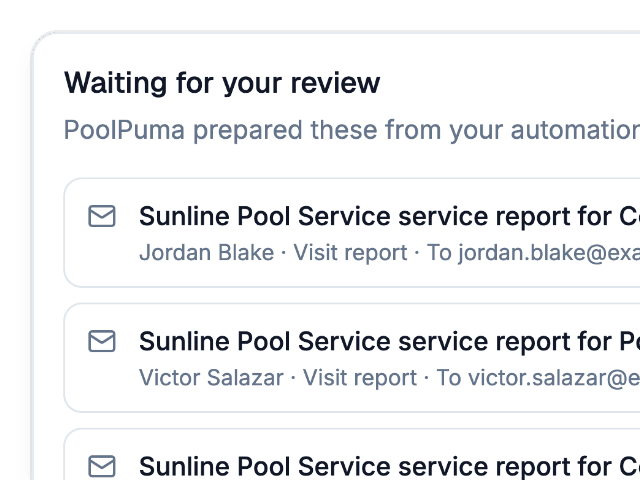
Visit reports are ready for the office to review and send to each customer.
6:30 AMRoutes and dispatch
Build the week once. Dispatch the day in one step.
Keep a weekly route sheet for each technician and service day. Each morning, dispatch turns those routes into the day's route runs, so you can follow every technician on a live map.
- Weekly route sheets per technician and service day
- Stops in driving order for every route
- Live progress for each technician on one map

7:15 AMOn the route
Every stop in order, with the gate code already there.
Technicians open today's route on their phone. They see the next stop, the access note for that property, and directions in one tap. No texts from the office asking which gate to use.
- Today's stops in order, with the next stop up front
- Gate codes, dogs, and access notes from the property
- One-tap directions to every stop

10:40 AMAt the pool
Log readings, chemicals, and photos before you close the gate.
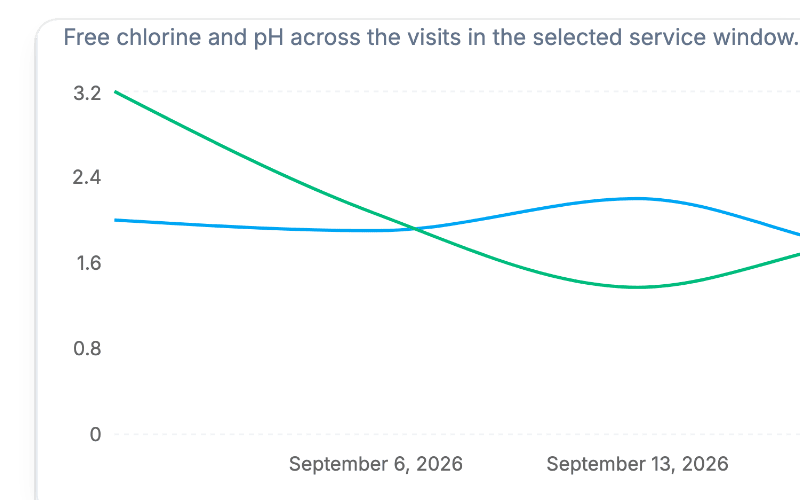
Each service visit records pool vitals against target ranges, the chemicals added, checklist items, and photos. Every pool and spa keeps its own chemistry trend, so you can spot drift before it turns green.
- Pool vitals checked against target ranges
- Chemicals added, checklists, and photos in one visit
- Chemistry trends and equipment for each pool and spa

1:20 PMFindings and repairs
Turn a cracked drain cover into a scheduled repair.
When a technician spots a problem, they log a finding with a priority. The office turns it into a work order and moves it from scheduled to in progress, awaiting parts, and completed.
- Findings logged on the visit with a clear priority
- Work orders for repairs, green pool cleanups, and one-off jobs
- Tasks, materials, and status for every job

4:45 PMVisit reports
Customers get a clear report. You get the final say.
PoolPuma prepares a visit report after each service. The office can check each one, adjust the message if needed, and send it, so customers always know their pool was taken care of.
- Reports prepared automatically after every visit
- A review step before anything reaches a customer
- Proof of service with readings and photos

Everything else your office runs on
The records behind every route stay organized, so the next visit starts with the full picture.
Customers and properties
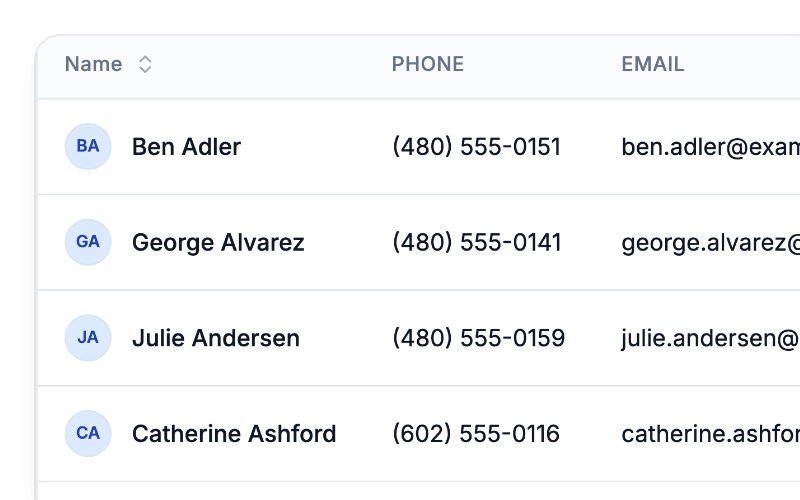
Access instructions live on each property. Service notes live on each pool and spa.
Chemistry trends
Follow free chlorine and pH across visits for every body of water.
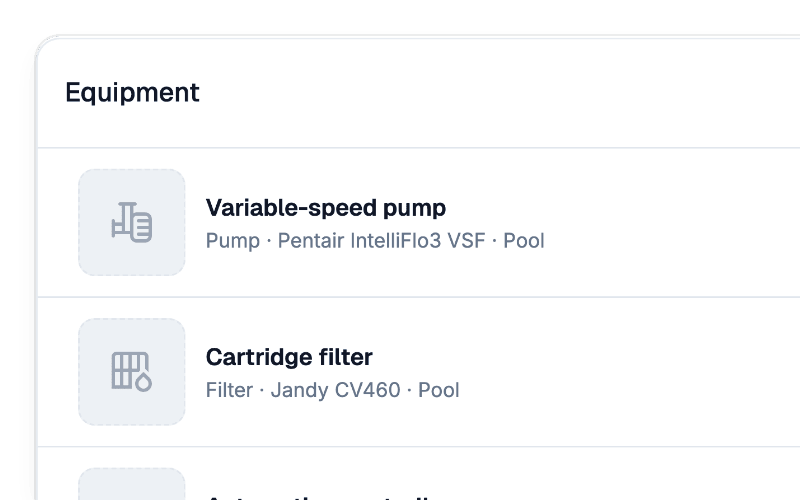
Equipment
Keep pumps, filters, and controllers on record for each pool, with warranty alerts.
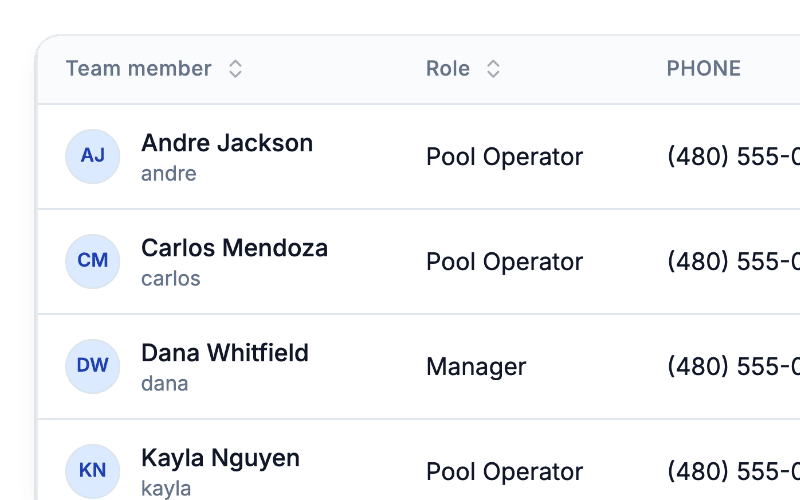
Team
Invite team members by email as an owner, manager, or technician.
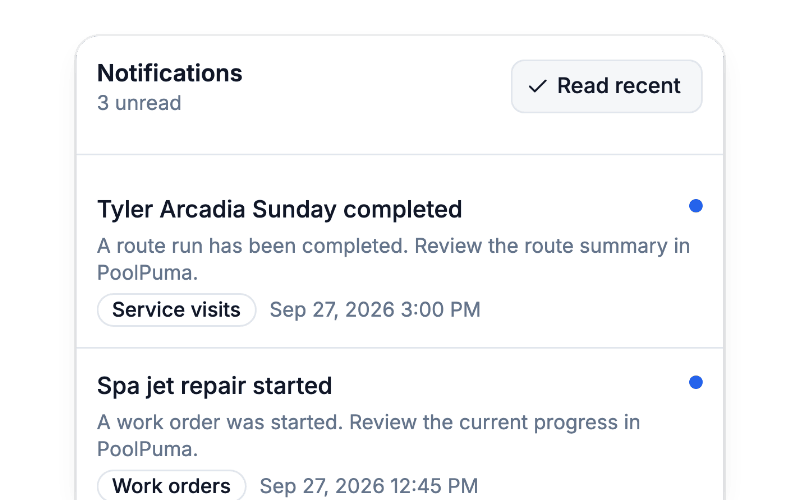
Notifications
Know when a route is finished or a repair gets started.
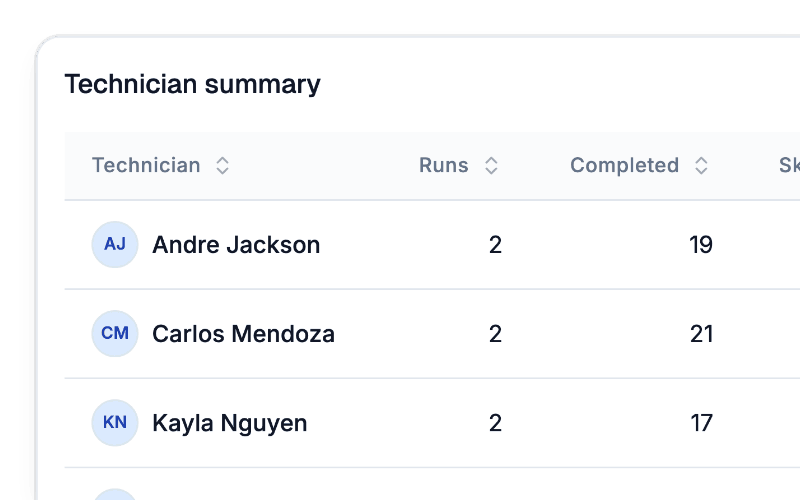
Route and technician reports
See completed and skipped stops by route and by technician.
Questions from pool service owners
Straight answers about how PoolPuma fits the way your company already works.
Can one person handle both the office and a route?
Yes. Any active team member can be the technician on a route, including an owner or manager. Small companies often have one person doing both, and PoolPuma is set up for that.
Do my technicians need to install anything?
Technicians open PoolPuma in their phone's browser. They see today's stops in order, the access notes for each property, and one-tap directions to the next stop.
Where do gate codes and access notes go?
Access instructions are saved on the property, so every technician sees them at every visit. Service notes are saved on each pool or spa, so they follow that body of water.
What do my customers receive after a visit?
PoolPuma prepares a visit report with the service details, such as readings, chemicals added, and photos. Your office can review and adjust each report before it is sent.
How do repairs get tracked?
Technicians log findings during a visit with a priority. The office turns them into work orders with tasks and materials, and moves each one through scheduled, in progress, awaiting parts, and completed.
How do I get PoolPuma for my company?
Sign up to create your company account, then set up your routes and invite your team.
How do I add my team?
Invite each person by email with a role: owner, manager, or technician. They choose their own username and password from the invitation.

Get your company started with PoolPuma.
Create your account, set up your routes, and invite your team for your next service day.